
This is a simple technique that opens up many of texture options
How do I knit tuck stitch on my LK150?

Use Russell levers and manual needle selection to hold stitches, build loops, and knit them off to create tuck texture
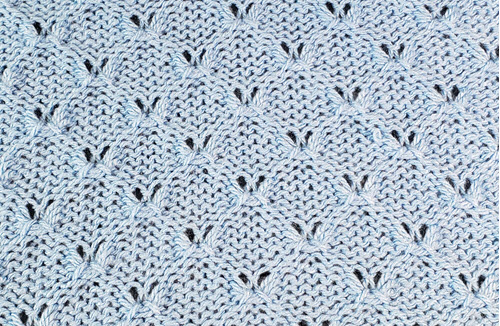
About Tuck Stitch on the LK150
Tuck stitch on the LK150 is created by holding selected needles while the yarn floats OVER them. After a few passes, those loops are knit off to create texture. Since the LK150 has no punchcards or electronics, you control the stitch pattern entirely by which needles you select and how you use the Russell levers.
Browse the tuck stitch library: LK150-friendly tuck stitches.
Browse the tuck stitch library: LK150-friendly tuck stitches.
Need more help? If you'd like personal guidance, Work with Sue.
Try This
- Cast on 30 stitches and knit a few rows
- Pull needles to D position according to the punchcard
- Set both Russell levers to II
- Knit 4 rows to build loops
- Return both levers to I and knit 2 rows to release loops
- Repeat this sequence a few times
- Knit a few rows and bind off
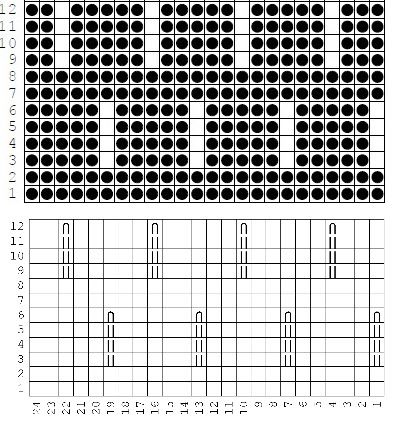
Example punchcard White squares (no holes) will tuck ("D" position) Holes will knit Symbols will tuck ("D" position)
👉 Do not tuck edge stitches. Watch the loops build, then turn your swatch to choose your favorite side.
Member Lesson
Go deeper with step-by-step guidance.
-
Tuck on the LK150
Included with Knit it Now membership.